
|
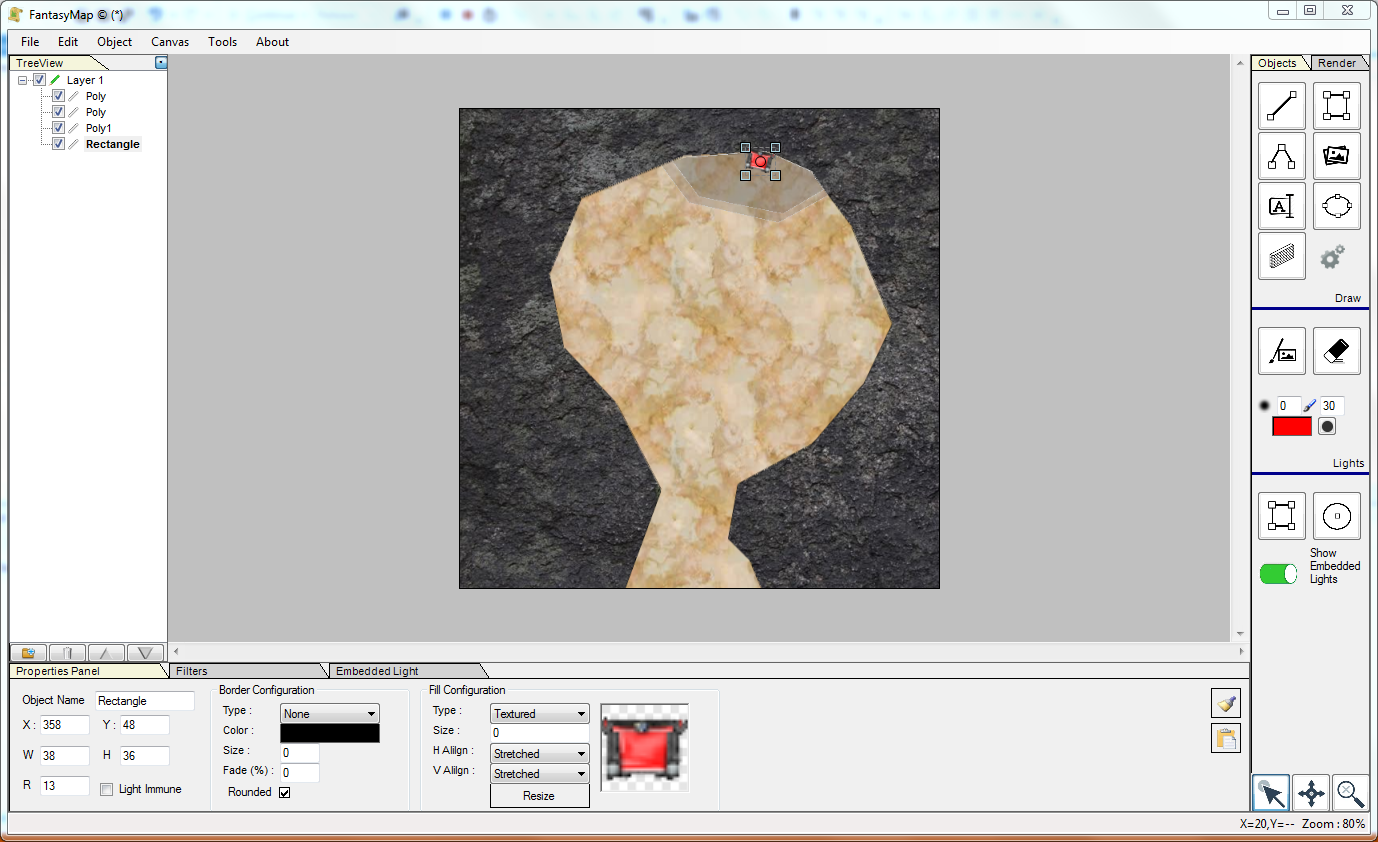
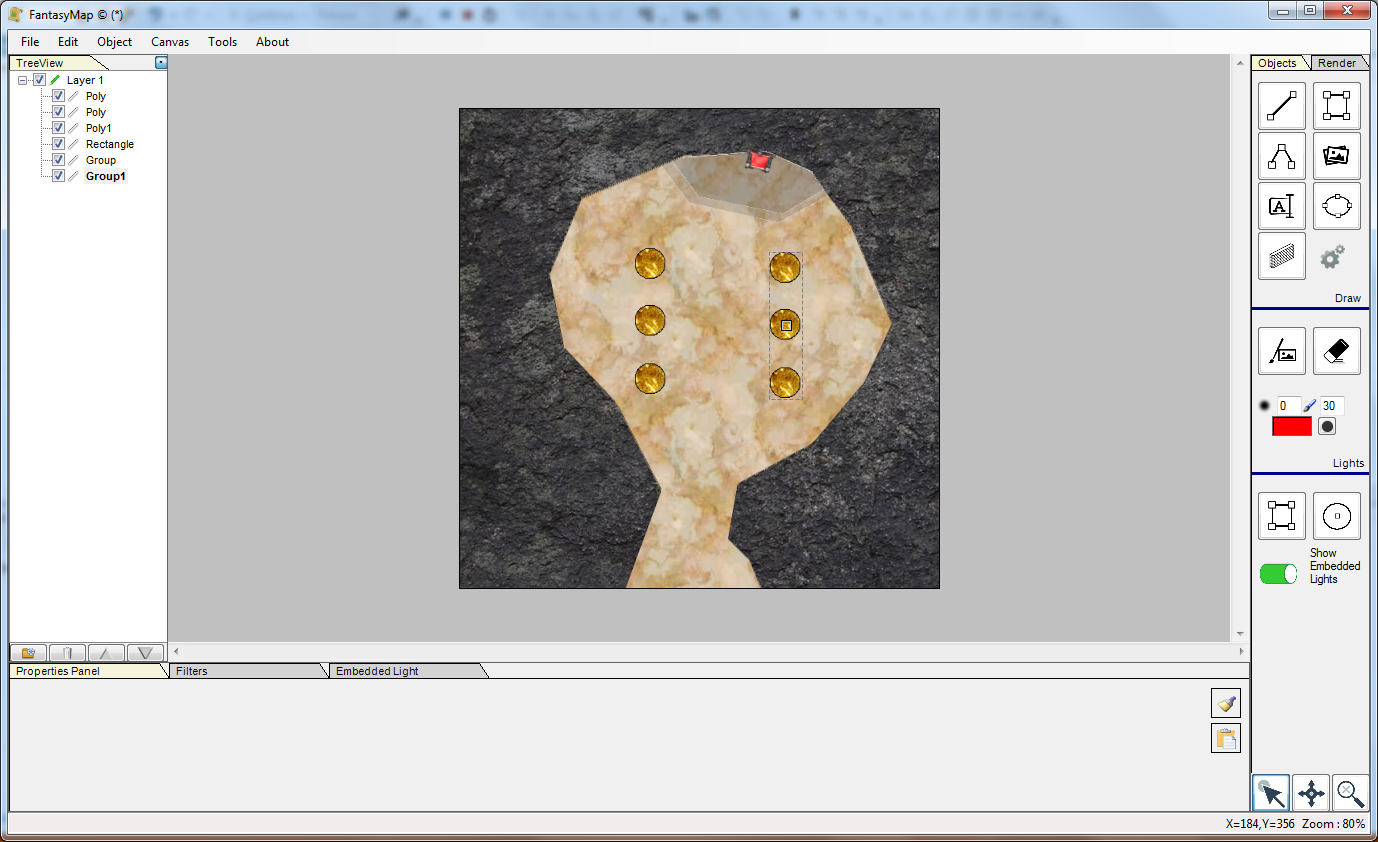
First of all, create a new map as seen on previous tutorials: Use some polygon to draw a marble cavern inside a mountain, and add a couple of steps
leading to an upper throne area. Then you decide you want to add six column, three each side of the cavern. Probably columns will put some more difficulties in the final boss battle you're planning to propose in this area... |
|
|
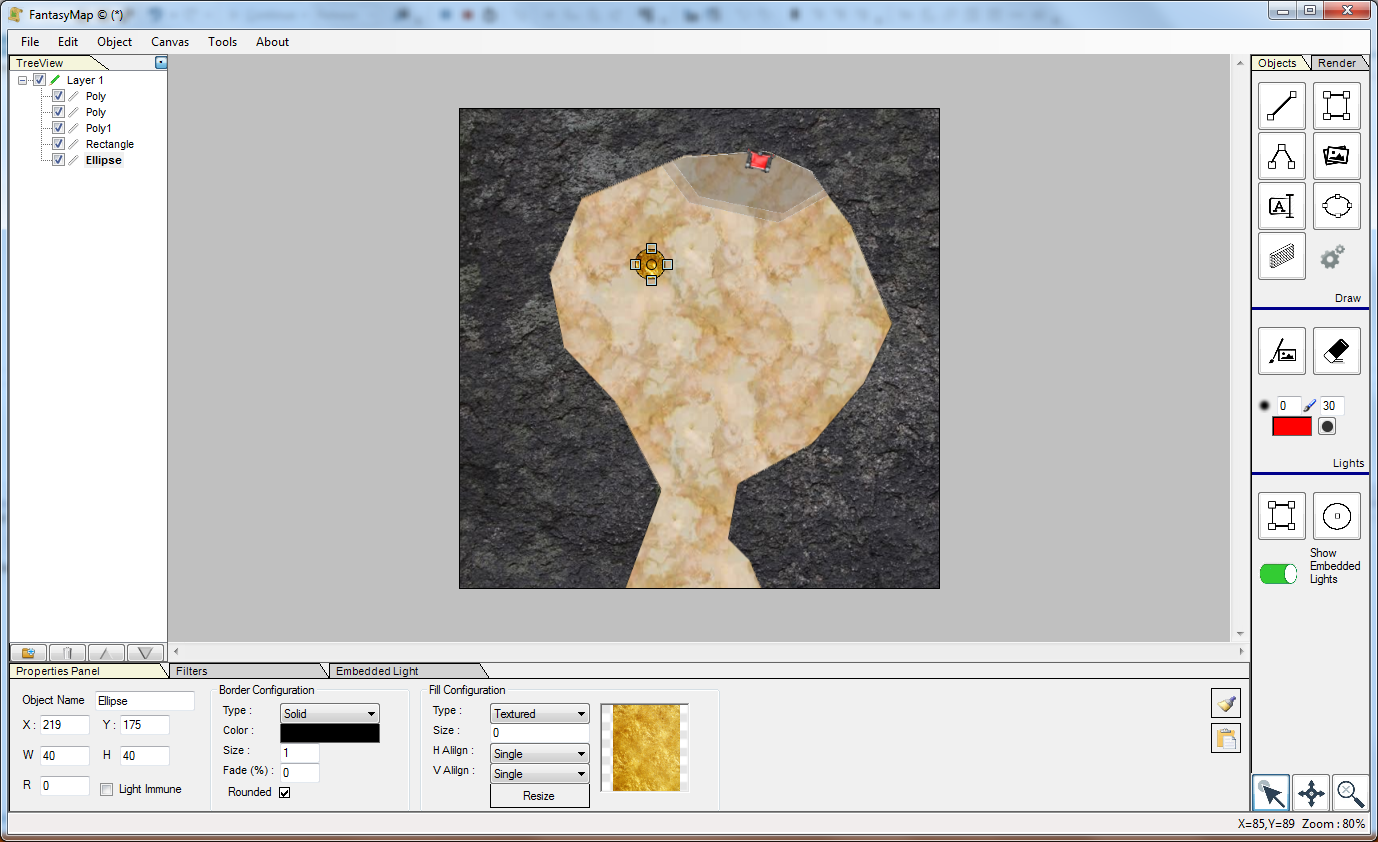
Draw a circular ellipse (well, draw an ellipse. Probably you'll not be able to make a perfect circle, so change width or height
in order to have the same number there...) and fill it with a gold texture. Yes. Golden columns, in a cave. Why not? |
|
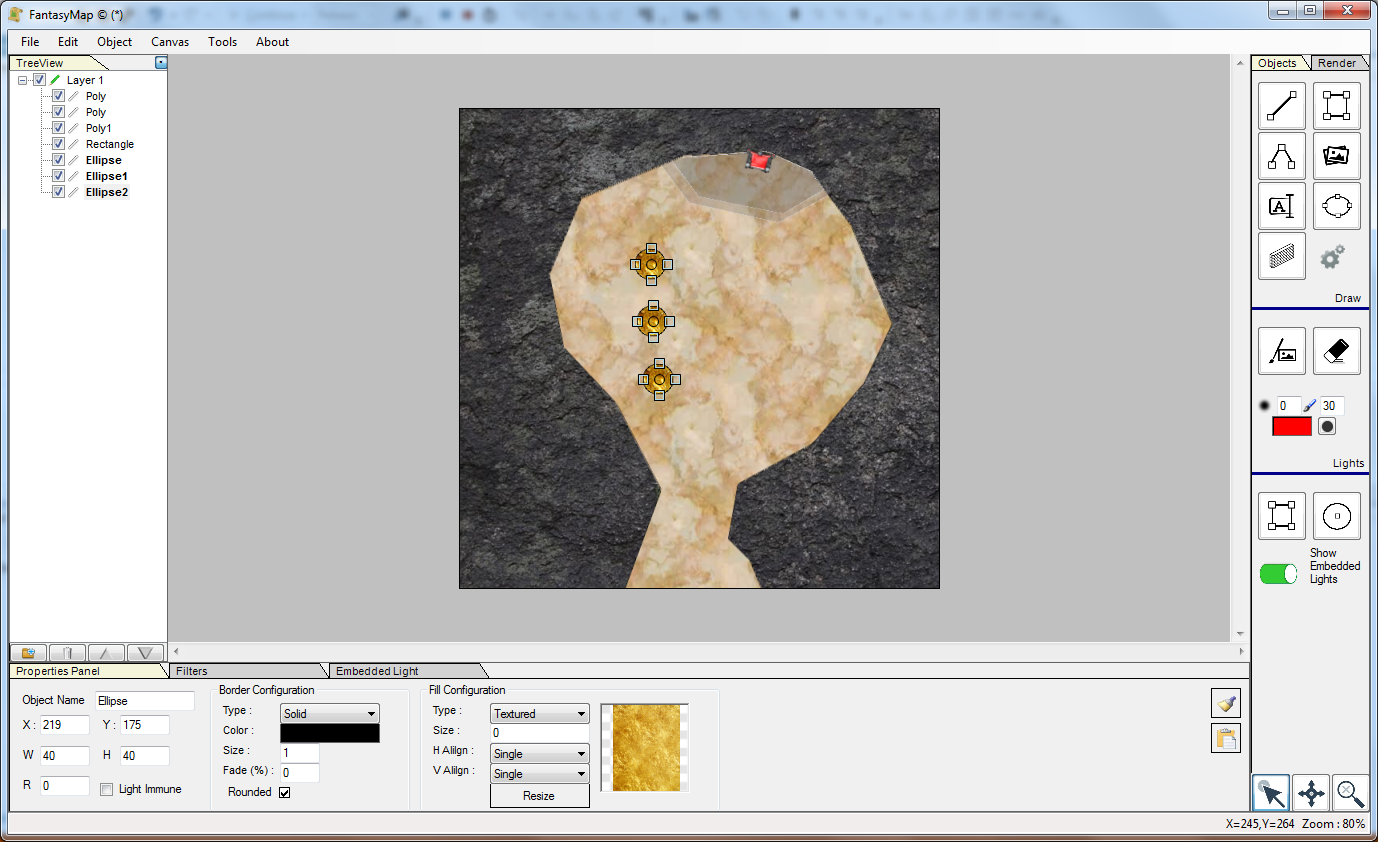
Copy/Paste (CTRL+C / CTRL+V) the column for other two copies. dispose vertically at your choice, then select all three
simply keeping CTRL key pressed while clicking on each column. Navigate into the Object - Align menu and choose left. All three object will be aligned to the left. |
|
|
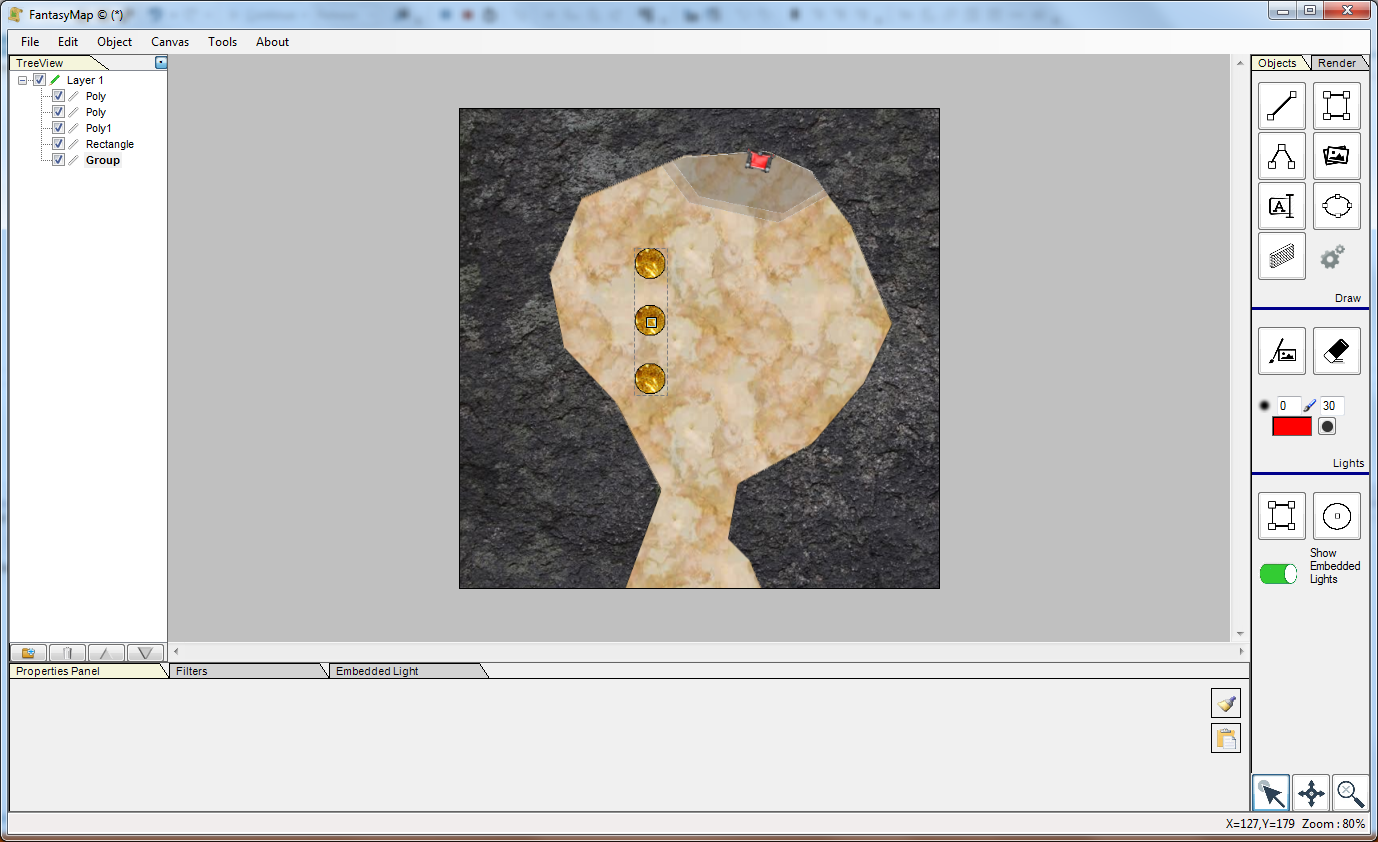
Now navigate through the Object menu and select the Group command. All three objects will be grouped in one. |
|
Copy the group (CTRL-C / CTRL-V) to make the left side columns. drag the new group into the required position.
|
|