
|
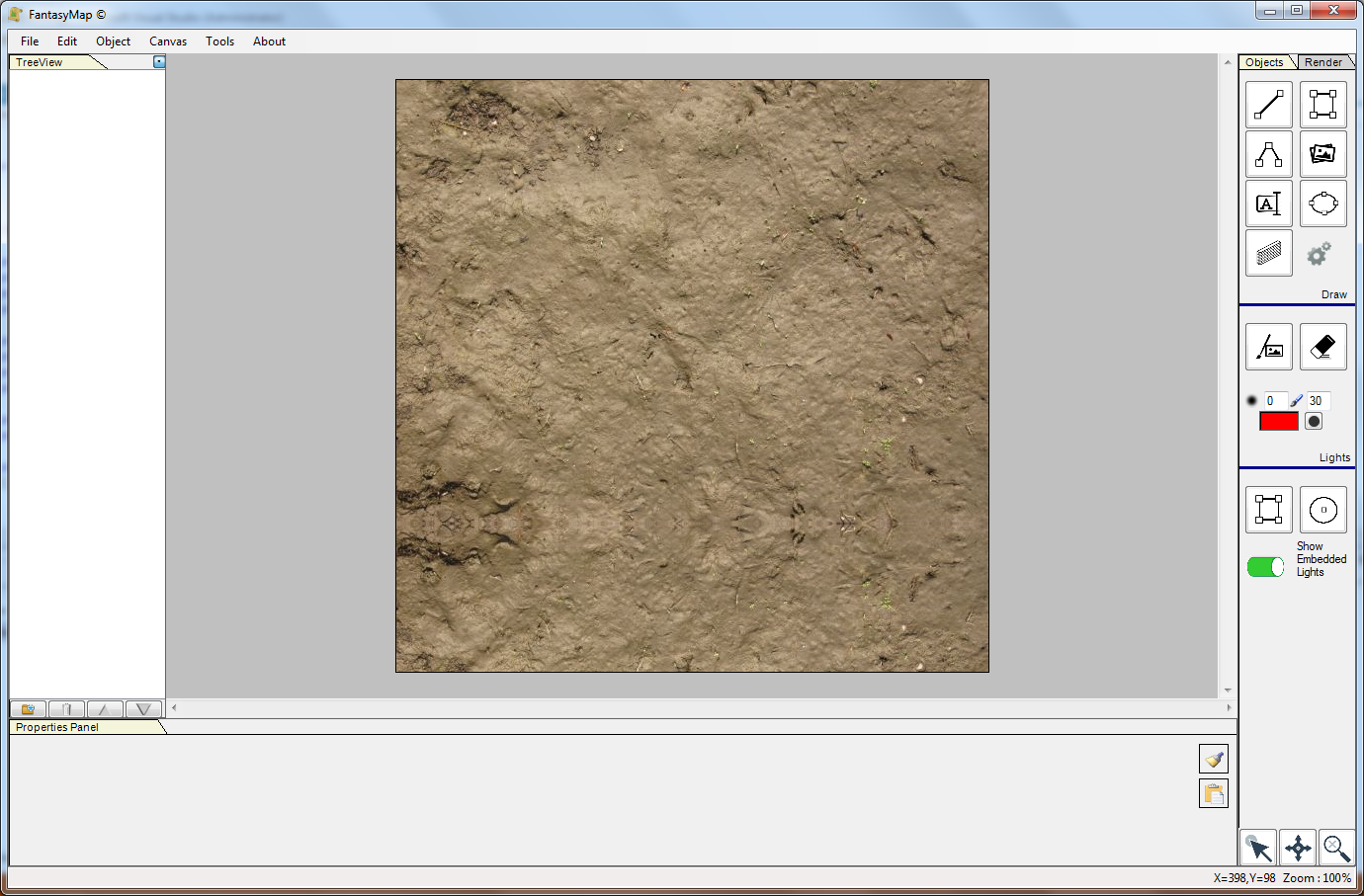
First of all, create a new map as seen on previous tutorials: put a mud like texture on the map background. |
|
|
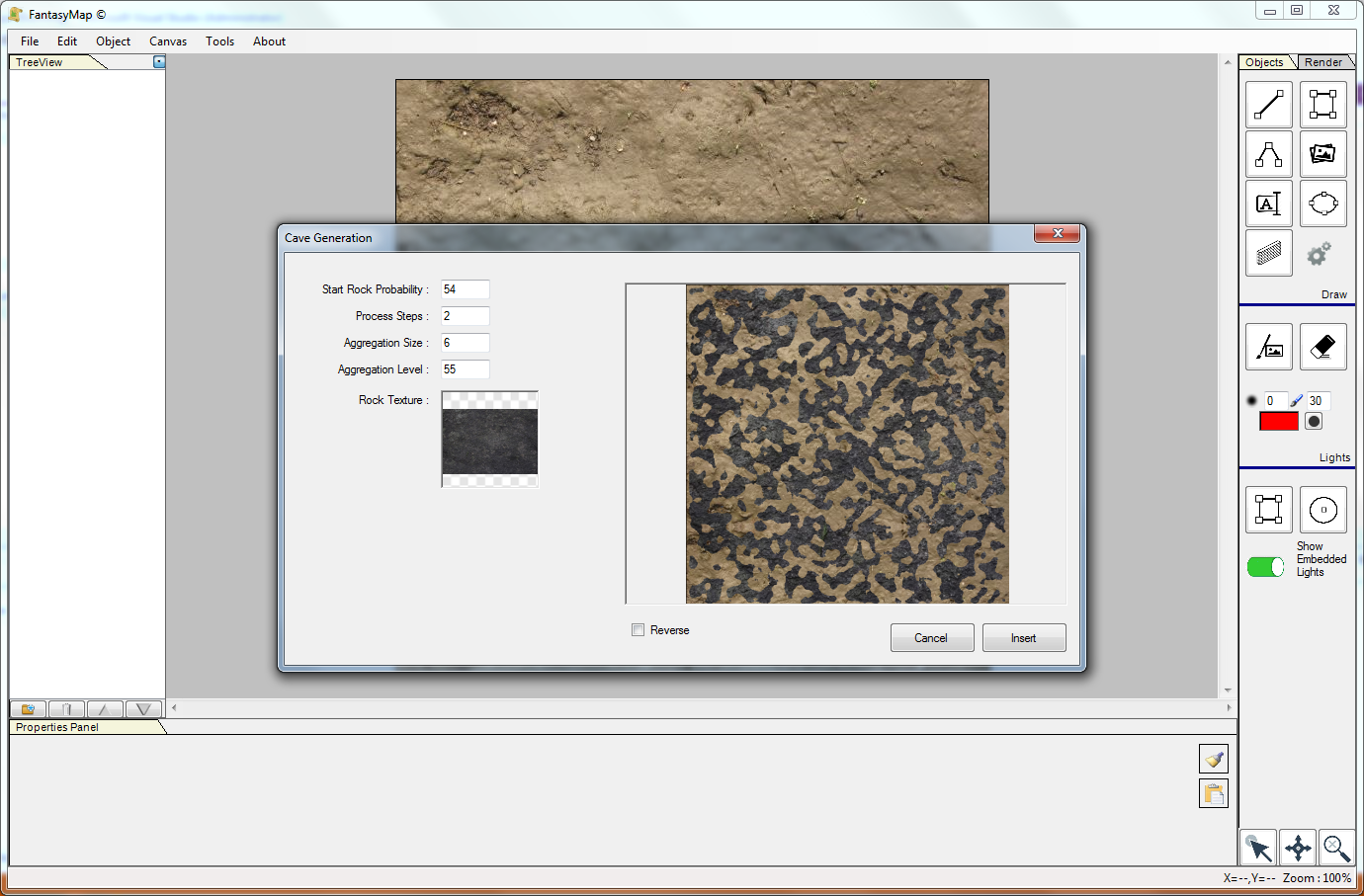
From the Tool menu open Cave Generation. Choose, for your cave walls, a black rocky texture. Change parameters in order to modify the shape of your cavern and the size of the halls. Remember that the final product will be a render image that you can manually adjust in order to create bigger caves or smaller passages. |
|
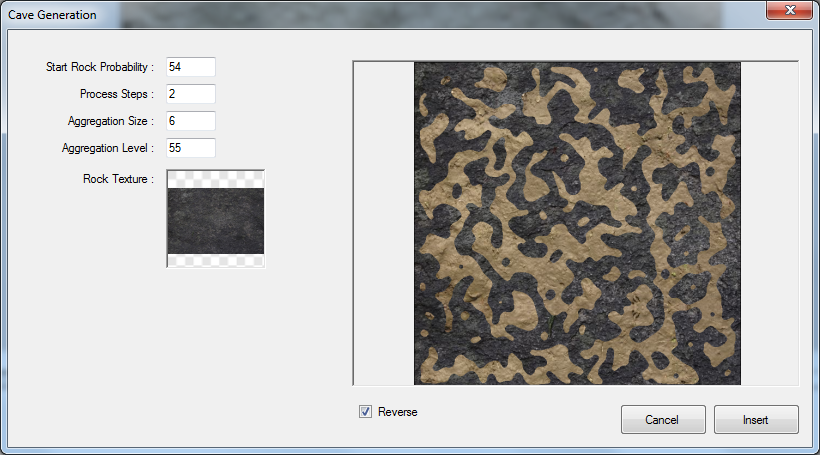
Eventually, revert walls with spaces using the checkbox below. |
|
|
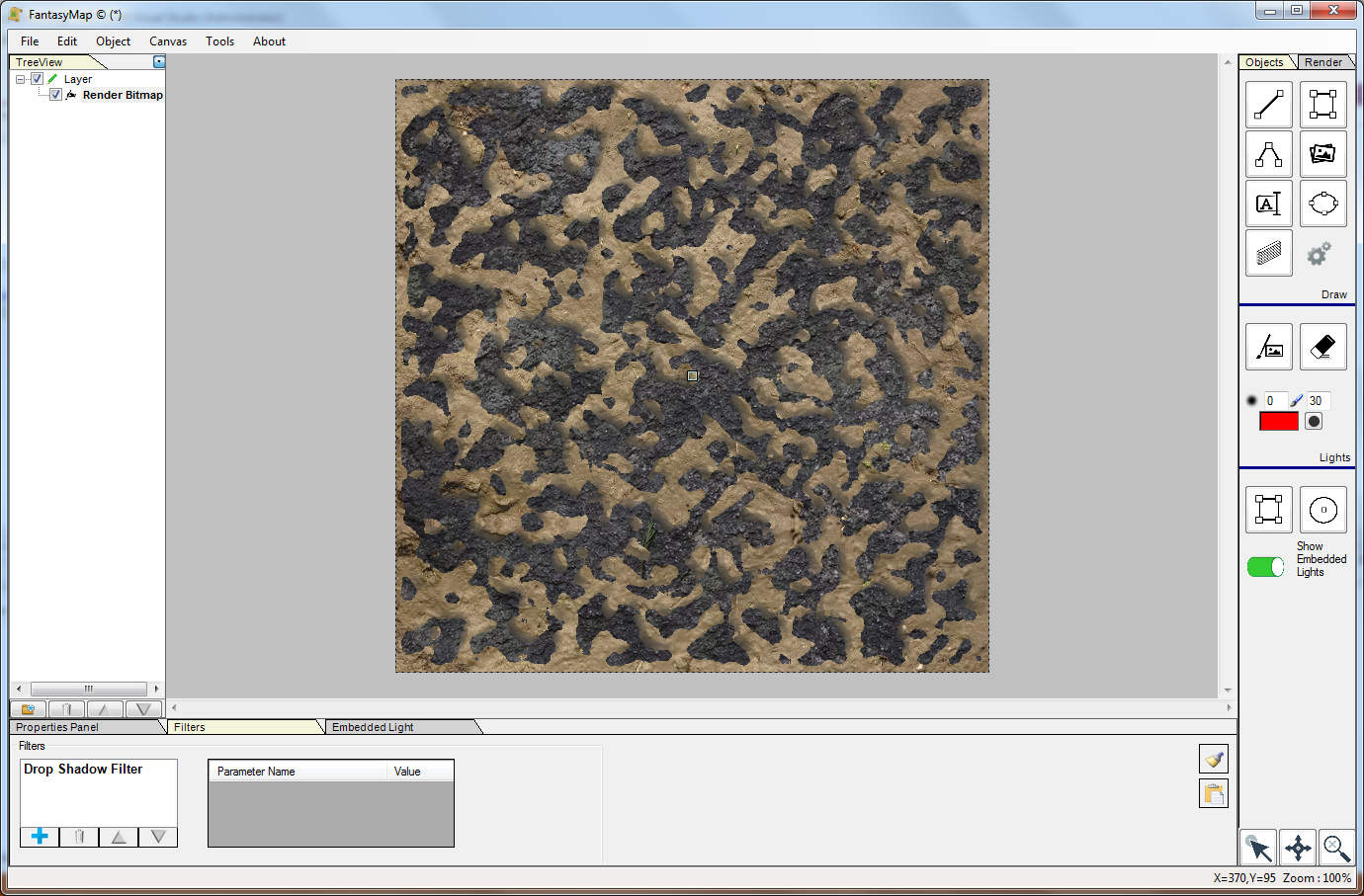
Once finished, click on Insert and the new texture bitmap will be inserted in your map. Add a drop shadow filter to your render bitmap in order to give a little depth effect. Use the brush to change the caverns as you prefer. |