In this tutorial we will explain how to use walls (or generic filled lines).
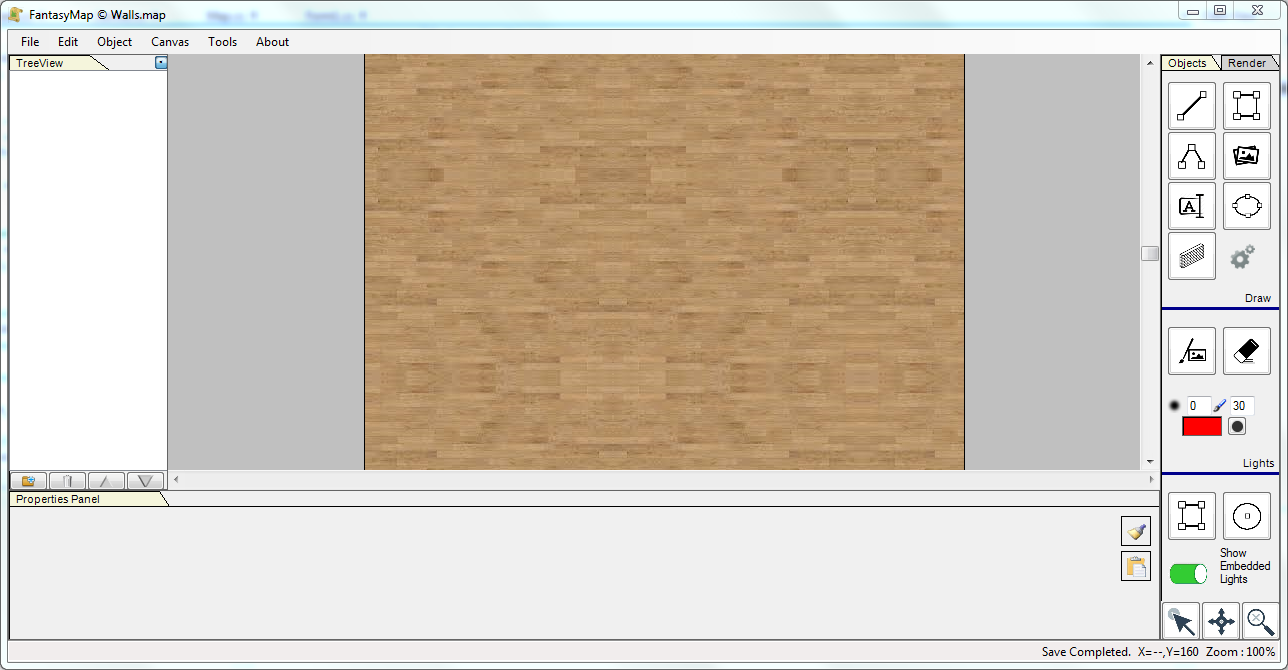
First of all, create an empty new map with a wooden background, as if we were building an apartment map.
Select from the tool panel the wall utility.
|
|
|
|
|
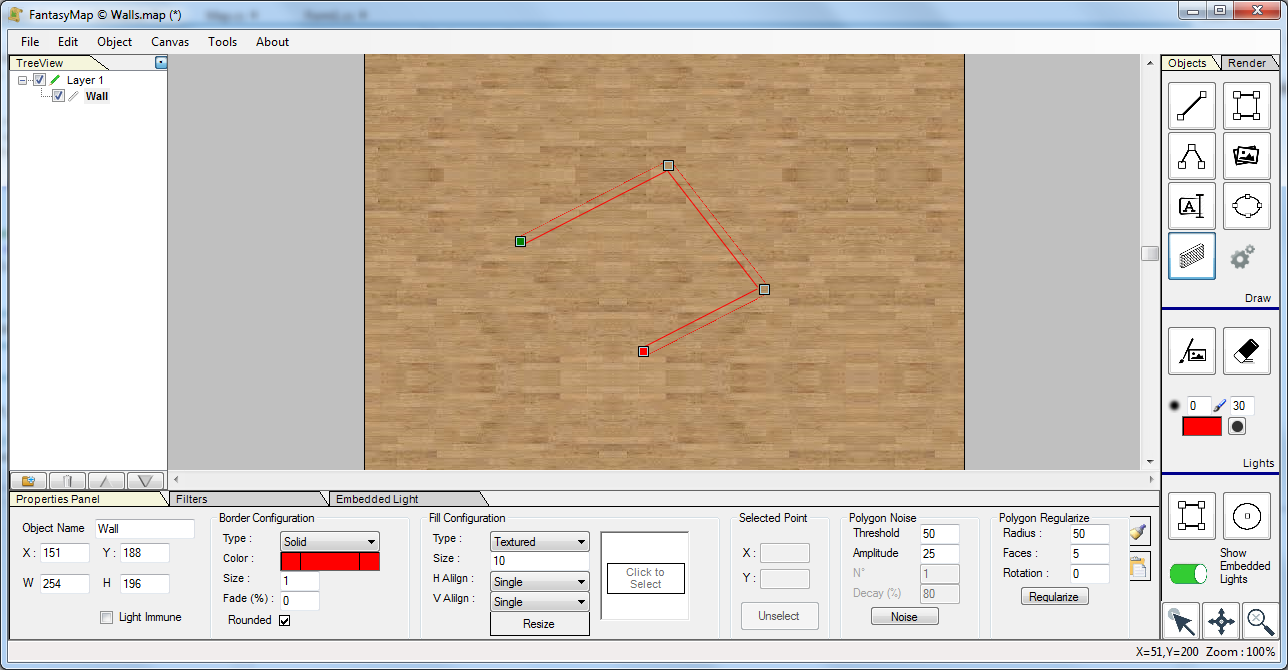
Draw the wall as if you were drawing a polyghon, pressing CTRL in order to insert the last point.
You'll notice that a wide transparent polyghon, with red border, will appear. Use the property panel below
to change fill and border style in order to trasform the poly into a wall of our apartment.
|
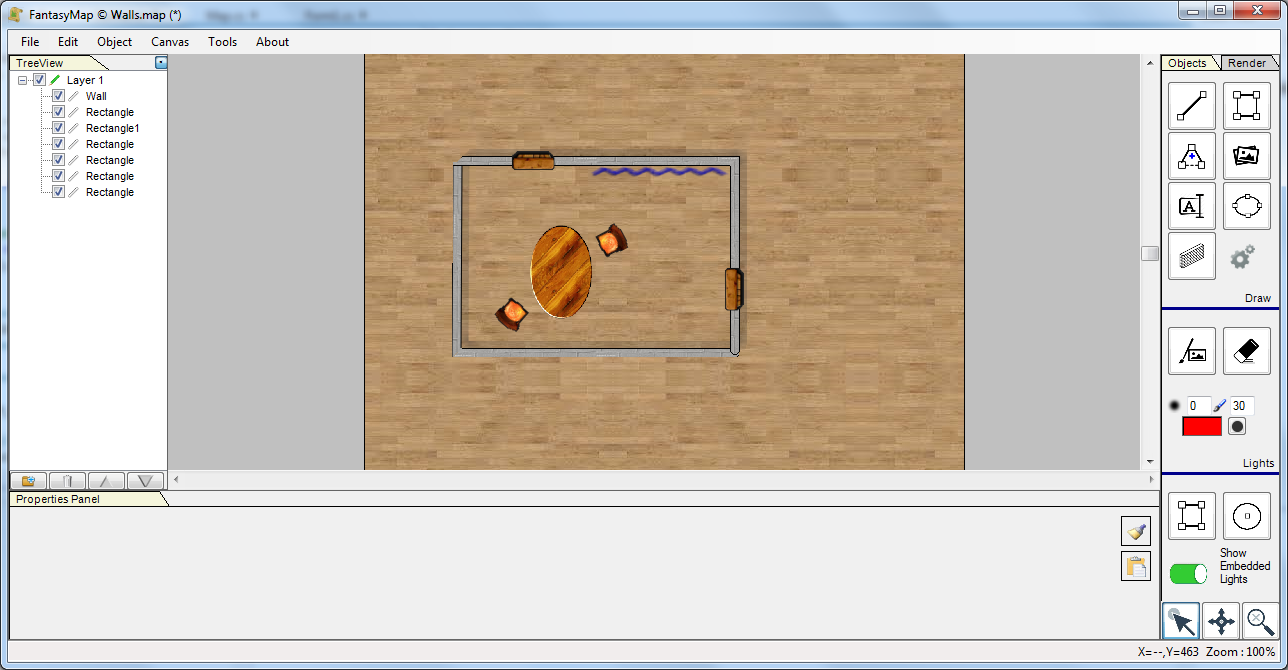
Add a Drop Shadow filter to the the wall, in orde to give more depth to the map, add into the room a table, two chair and a curtain. Et-voilà! the room is ready.
|
|
|
|
|
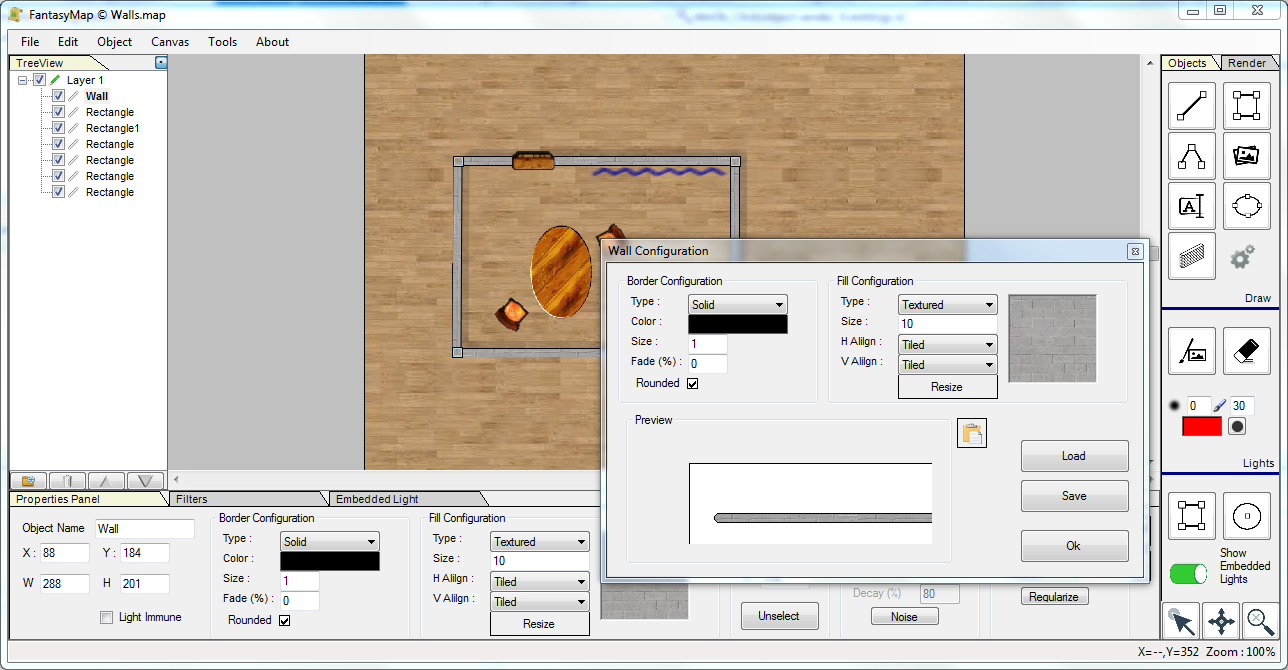
Select the wall you just created, and click on the wall configuration button

You'll open the wall configuration window where you can save your wall configuration, load a previously saved configuration, and test
in a small preview window the result of the current configuration.
|
