Donjon (
http://donjon.bin.sh) is a famous portal full of utility for Fantasy Roleplayers. One of these is the
random dungeon generator, a tool that create a random dungeon (made of rooms and horizontal and vertical corridors). Donjon permits the export the dungeon
(the structure) in a file called TSV. FantasyMap parse such file and permits the dungeon customization.
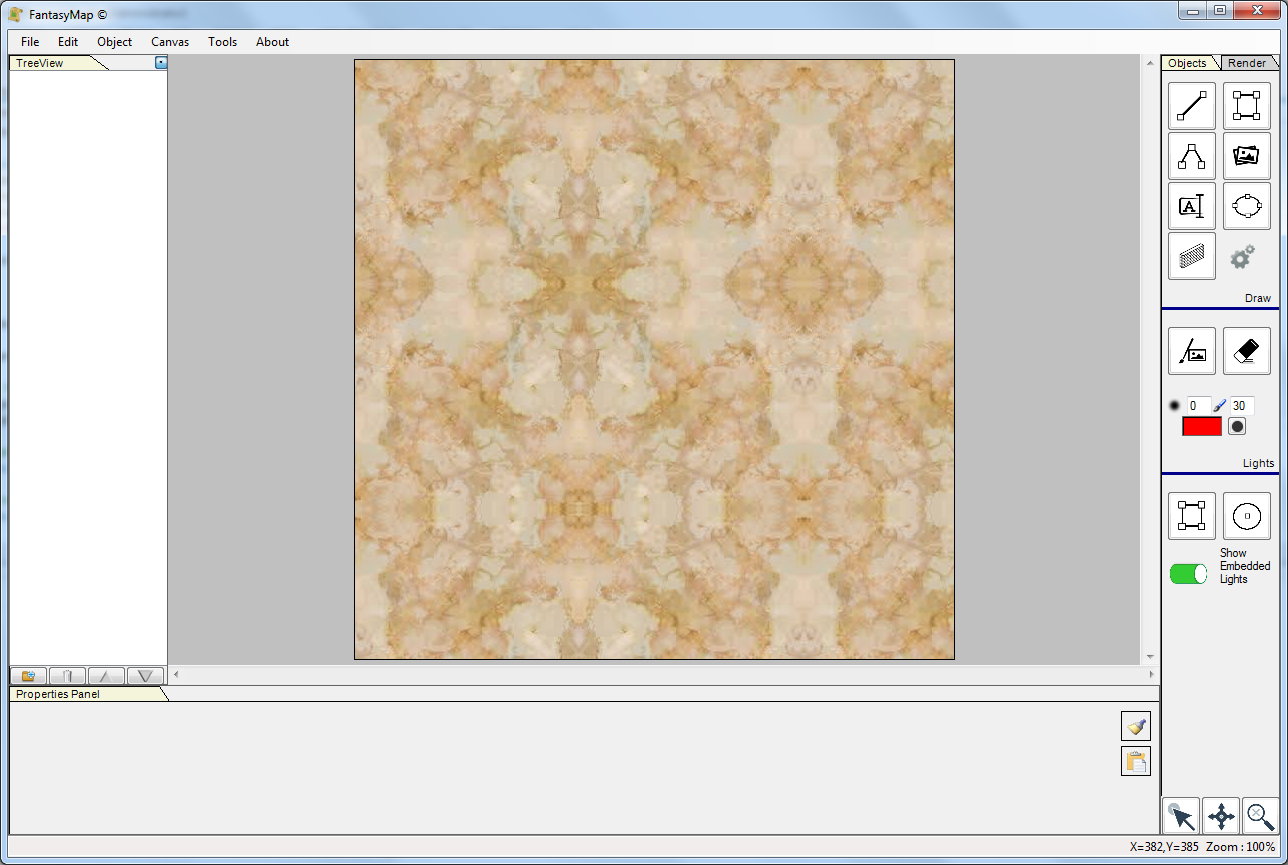
First of all, create an empty map with a marble background, or another texture you like to use as floor.
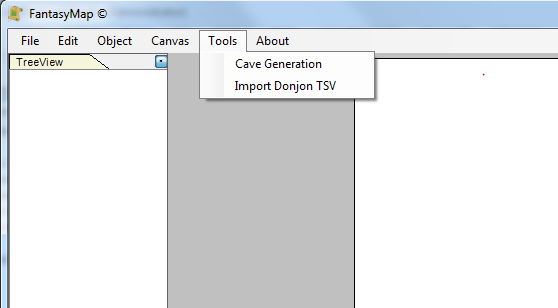
From the import menù select Import Donjon TSV command
|
|
|
|
|
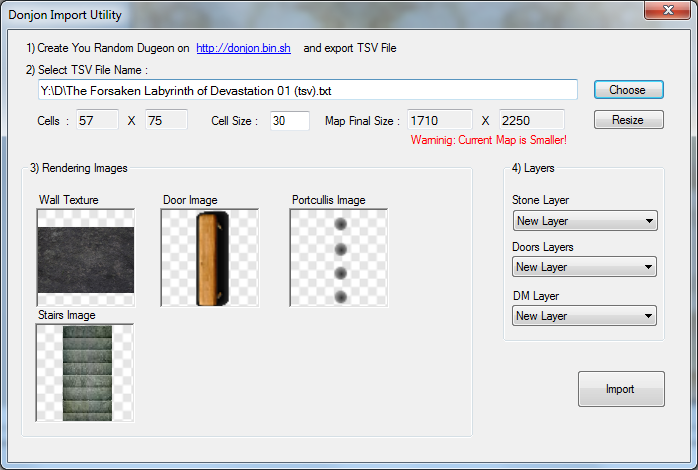
On the top of the import window you must choose the TSV file saved from Donjon website. Fantasymaps analyze such file
and inform you about the number of rows and columns. Depending on the cell size you choose, the program calculates the map minimum size.
If the current size is less (like in this step of the tutorial), a red warning will appeare. Choose Resize button to automatically enlarge the
current map size to the minimum required.
Below, choose a texture for walls and a bitmap for doors, portcullis and stairs. These last three should be "rectangular" shape, and Fantasymap consider
the small side as the horizontal one.
Choose the layer for walls, doors and DM Info (like secret doors) and click on Import button.
|
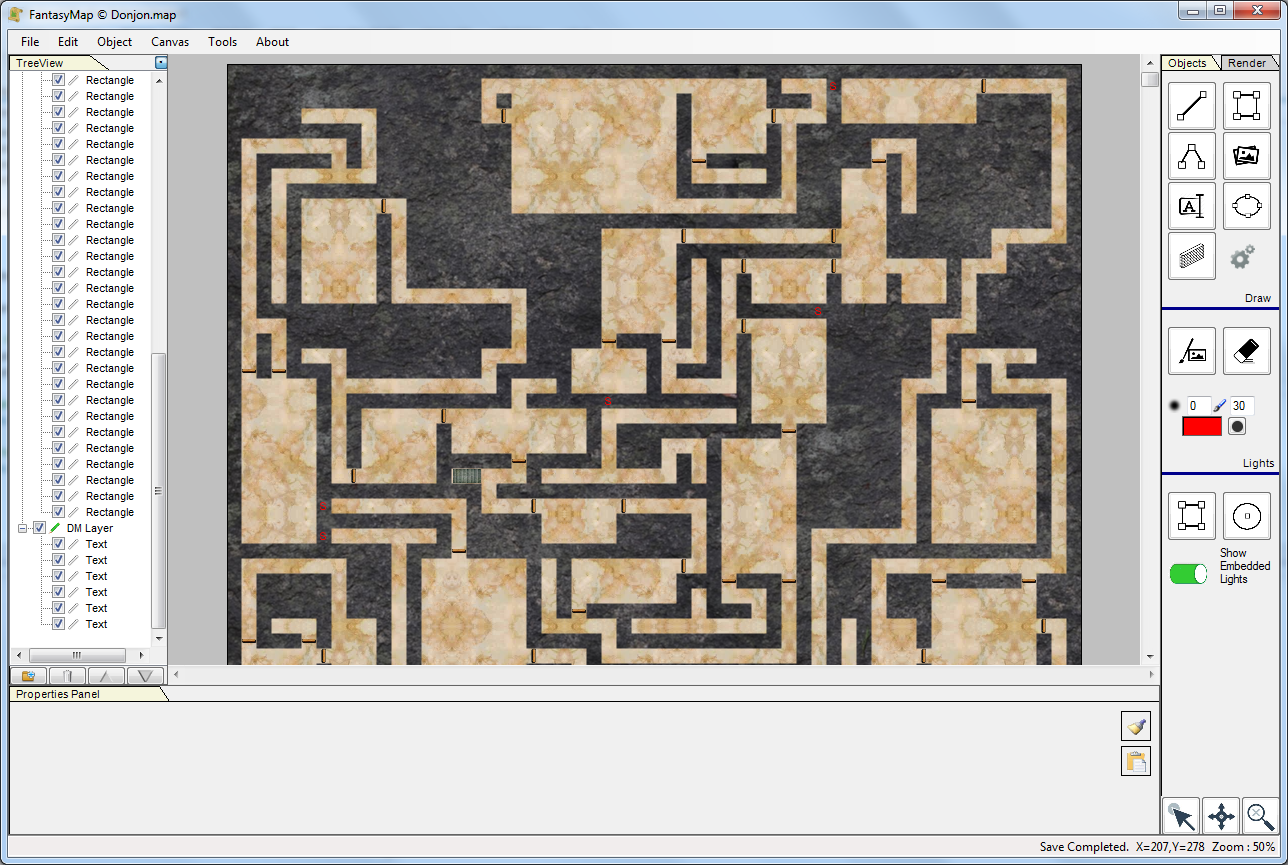
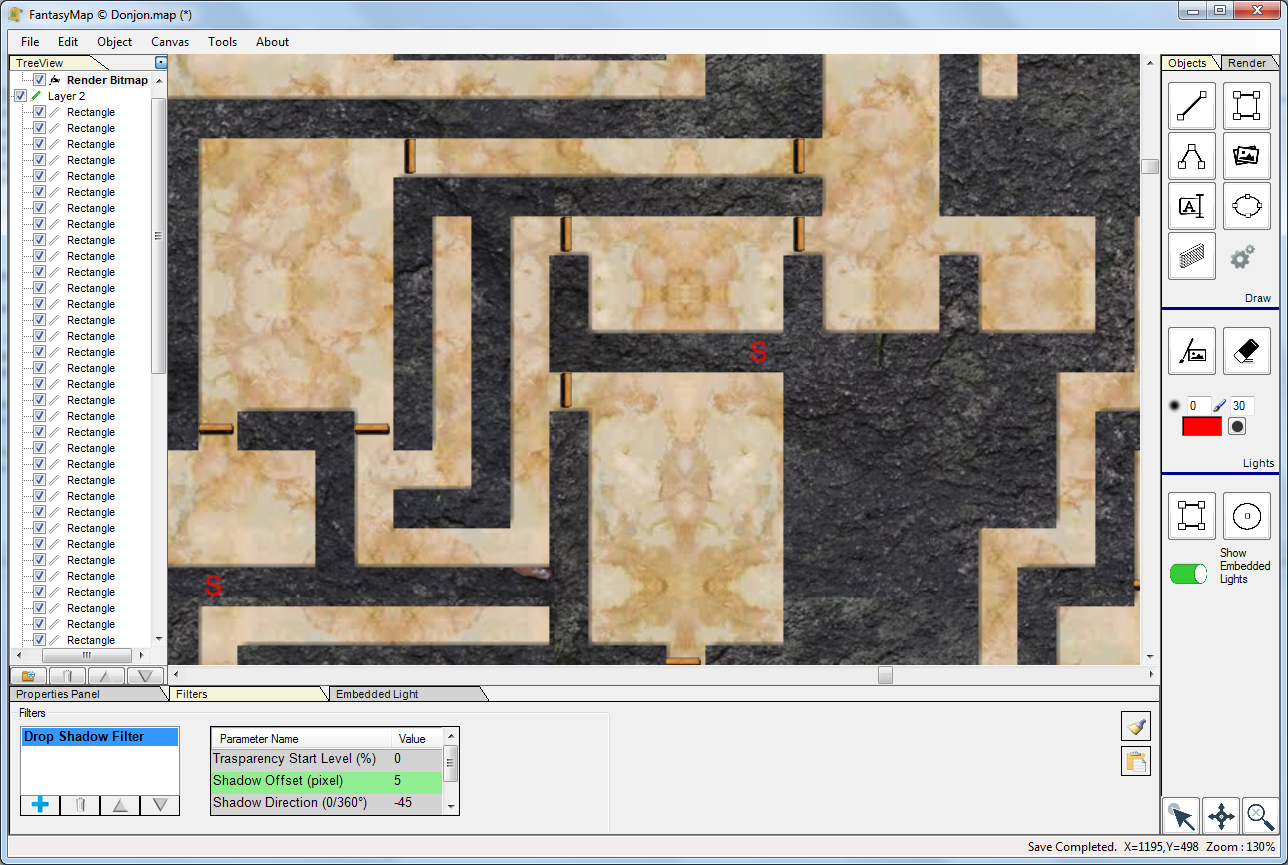
Parsing the file, Fantasymap will generate a RenderBitmap for walls and will put doors and portcullis where requested. In a DM Layer the program
will insert secret passage as a S red text.
|
|
|
|
|
Add a little drop shadow effect to the render image for walls in order to create some depth, and start customize your new Dungeon!!! (thanks Donjon!)
|
